Example Map
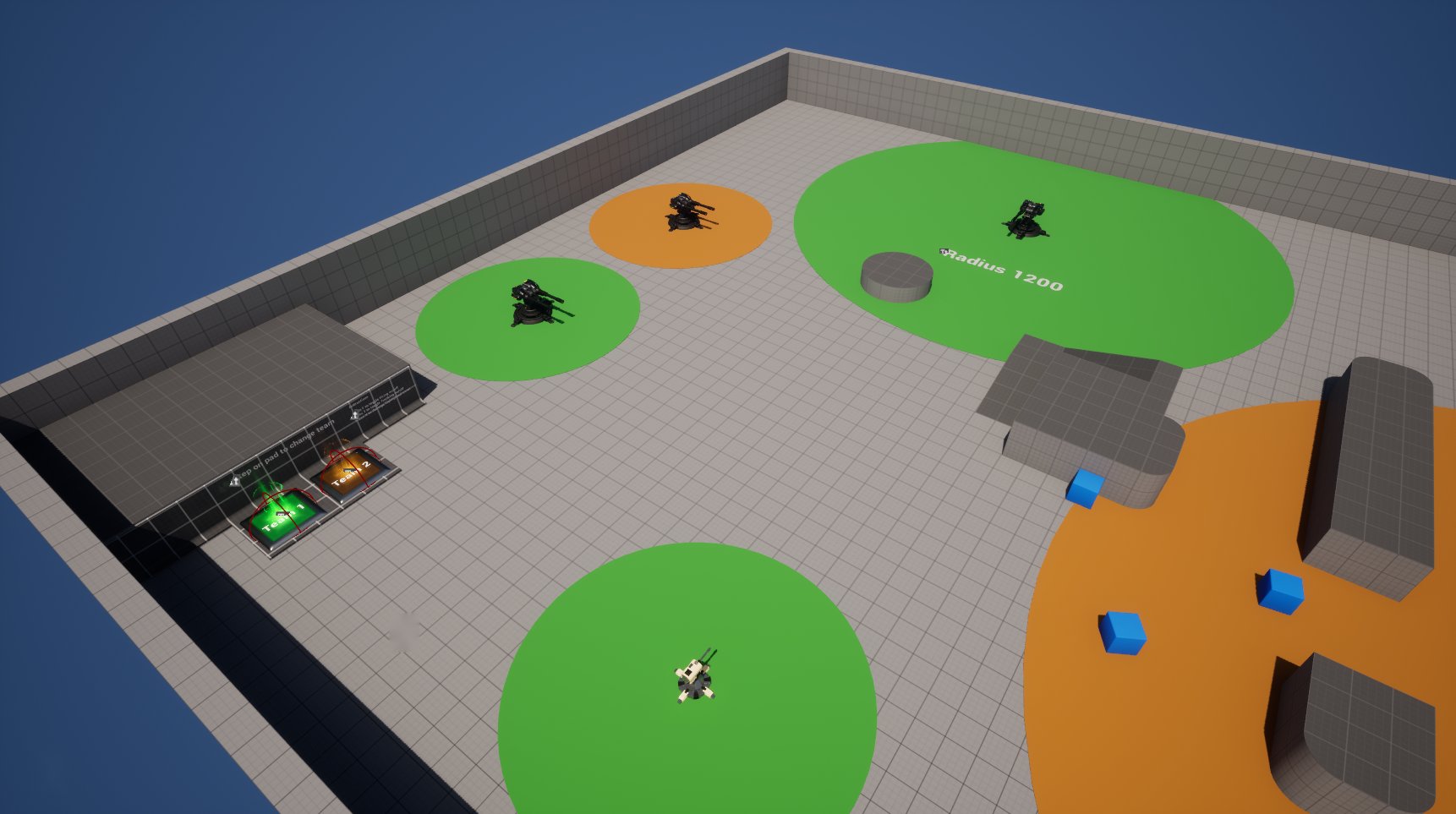
Examples/Maps/TurretExample shows both turret types, different sight ranges and the team system.
Controls
| Key | Action |
|---|---|
| WASD, mouse, Space | Move, look, jump |
| F | Toggle firing on or off |
| T | Toggle tracking on or off |
Signs in the map show the keys.
What's in the map
Turrets
The map has both turret types, B_TurretPawn (dual barrel) and B_TurretPawn2 (single barrel). They use the example controllers in Examples/Blueprints, which differ in sight range. The cylinders on the floor show the radius, and the signs next to them say how far it is.
| Controller | Purpose |
|---|---|
B_TurretAIController_01, _02, _03 | Children of B_TurretAIController with different sight radii |
B_TurretAIController_AlwaysFriendly | Never attacks: its GetTeamAttitude returns Friendly |
Team pads
Step on a B_TeamPad to take its team. Turrets of that team stop attacking you; the others keep firing.
The pad:
- sets the
TeamIDof yourB_TeamPlayerController, - changes your character's material to the team color,
- calls Request Stimuli Listener Update on the AI perception of every turret controller, so the turrets re-evaluate you at once.
Game mode
The map uses Examples/Blueprints/BP_ThirdPersonGameMode with:
- Player Controller:
B_TeamPlayerController, a child of the C++ATeamPlayerController, which implementsIGenericTeamAgentInterface - Default Pawn:
BP_ThirdPersonCharacter
Testing it
- Detection: approach a turret slowly. It turns to you once you enter its sight radius.
- Lead: run sideways past a turret. The shots land where you are going, not where you were.
- Line of sight: break line of sight behind cover. After
TrackingTimeout(3 s) the turret returns to its base position. - Teams: step on a team pad and approach a turret of that team and one of another.
- Multiplayer: in Play settings, set 2 players and Play As Listen Server. Both players see the turrets aim and fire.